
Accounting workflow templates are standardised, repeatable procedures that define every task, owner, and deadline in a finance process. When you build accounting workflow templates correctly, you reduce manual workload, cut errors, and create a foundation for automation. More than 95% of accounting firms now automate routine tasks like data entry and payroll. That figure signals a profession that has moved well past "should we automate?" and into "how do we do it properly?"
What do you need before you build accounting workflow templates?
The single most important principle in workflow design is "standardise before you automate." Failing to document exact process steps before building a template leads to failed automation. You cannot fix a broken process by wrapping software around it. Map the process on paper first, then build the template.
Every effective template rests on three building blocks:
- Task sequences. List every step in the correct order, with dependencies noted. For example, bank reconciliation cannot begin until the statement is imported.
- Task owners. Assign a named role to each step. "Finance team" is not an owner. "Junior bookkeeper" or "senior accountant" is.
- Definition of done. State exactly what a completed task looks like. "Reconciliation complete" means nothing. "All transactions matched, variance under £1, reviewed and signed off by senior accountant" means everything.
Once those three elements exist on paper, you choose your tool. The choice comes down to volume and complexity.
| Feature | Spreadsheet templates | Automation platforms |
|---|---|---|
| Setup time | 15–20 minutes per template | 5–10 business days for full deployment |
| Multi-system integration | No | Yes |
| Recurring task scheduling | Manual | Automatic |
| Exception routing | Manual | Rule-based and automatic |
| Best for | Low-volume, single-user workflows | Multi-step, multi-client, multi-staff workflows |
Spreadsheet templates take 15–20 minutes to build, from a basic ledger layout to a dropdown-enabled monthly close checklist. That speed is useful for sole practitioners or small teams with straightforward processes. Automation platforms take longer to set up but handle the complexity that spreadsheets cannot.
Pro Tip: Before selecting any tool, write out your process in plain English as if explaining it to a new hire. If you cannot explain it clearly, the template will not work regardless of the software you choose.

How do you create step-by-step accounting workflow templates?
Building a template is a structured exercise. Follow these steps to create accounting templates that hold up under real workload conditions.
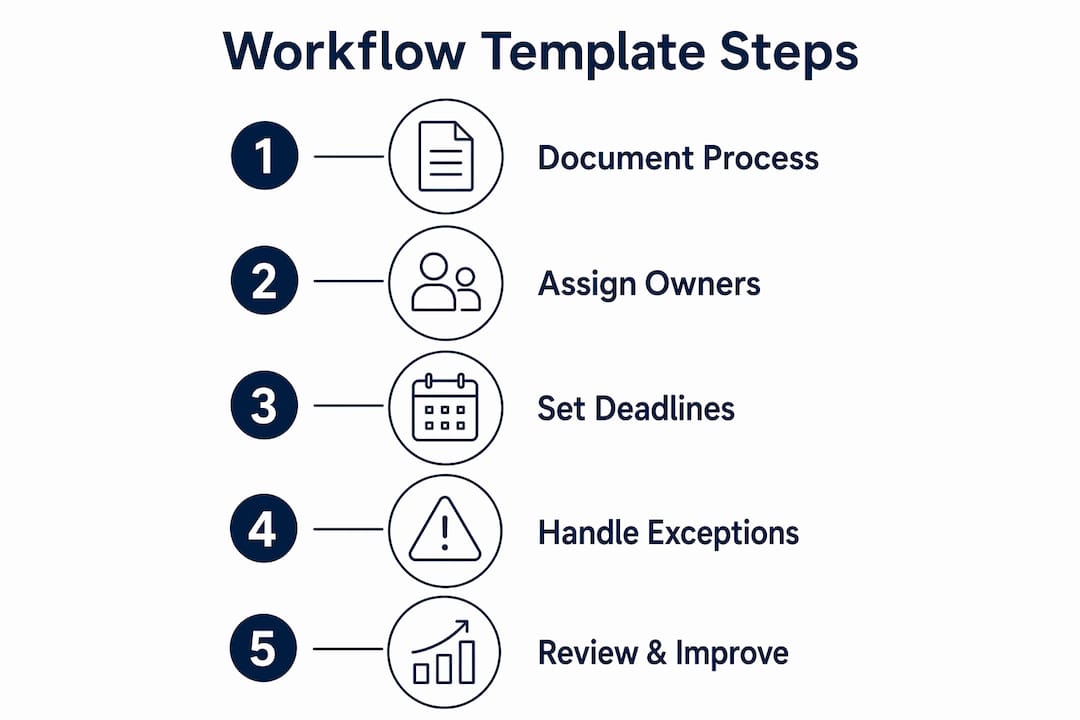
- Map the task sequence with dependencies. Write every task in order. Mark which tasks block others. In a month-end close, posting accruals depends on receiving department expense reports. That dependency must appear in the template.
- Assign owners to every task. Use role labels, not names. Staff change; roles do not. "Accounts payable clerk" outlasts any individual.
- Set due-date offsets. Templates with due-date offsets auto-calculate deadlines each period without manual calendar adjustments. For example, "Day 3 after period close: import bank statement" fires automatically every month.
- Define recurring cadences. Specify whether a task runs daily, weekly, monthly, or quarterly. A VAT return template runs quarterly; a bank reconciliation template runs weekly or daily.
- Add exception routing rules. Decide in advance what happens when something goes wrong. Successful workflow templates include exception routing for missing documents, disputed invoices, and unreconciled items. Without these rules, a single missing document stalls the entire workflow.
- Use dynamic fields for context. Add fields for client name, reporting period, and entity type. These fields personalise a generic template for each engagement without rebuilding it from scratch.
Exception handling deserves particular attention. Common exceptions in accounting workflows include:
- A supplier invoice that does not match the purchase order
- A bank transaction with no matching receipt
- A client who has not returned a signed document by the due date
- A payroll figure that falls outside the expected variance range
For each exception, the template must specify: who gets notified, what the fallback task is, and what the escalation path looks like if the exception is not resolved within a set timeframe.
Pro Tip: Keep a "base template" and a "client variant" for every process. The base template holds your firm's standard steps. The client variant adds or removes tasks specific to that client's complexity, entity type, or reporting requirements. This approach saves hours when onboarding new clients.
What are practical ways to automate accounting workflow templates?
Automation turns a static checklist into a living process. The right approach depends on your firm's size and the complexity of the workflows you want to run.
For low-volume, single-system workflows, a well-structured spreadsheet template is sufficient. A monthly close checklist in Google Sheets with conditional formatting and a shared drive works well for a sole practitioner with fewer than ten clients.
For multi-step, multi-client workflows, an automation platform is the correct choice. Typical automation platform features include task assignment based on client rules, status updates that trigger the next task automatically, and automated document requests sent directly to clients. These features remove the need for manual chasing and reduce the risk of tasks being missed.
Implementation timelines are shorter than most finance professionals expect. Pre-built workflow templates reduce setup time from months to 5–10 business days for CPA firms managing between 25 and 150 clients. That speed comes from using starter templates rather than building from scratch.
Key steps for implementation:
- Start with one workflow. Pick the process that causes the most friction, typically bank reconciliation or month-end close. Build and test that template before expanding.
- Train staff on the template logic, not just the software. Staff who understand why a task exists in a sequence are far less likely to skip it or mark it complete prematurely.
- Monitor completion rates weekly. Track which tasks are consistently late or skipped. These are signals that the template needs adjustment, not that staff need more pressure.
- Iterate before scaling. Starting with pilot workflows and expanding gradually reduces risk and accelerates adoption across the firm.
Pro Tip: When selecting an automation platform, test it against your most complex workflow first, not your simplest. If it handles your hardest process, it will handle everything else with ease.
| Implementation stage | Action | Expected outcome |
|---|---|---|
| Week 1 | Document and map one core workflow | Clear process map ready for template build |
| Week 2 | Build and test template in chosen tool | Functional template with exception rules |
| Weeks 3–4 | Run pilot with one client or one period | Identify gaps and refine before rollout |
| Month 2 onwards | Scale to additional workflows | Reduced manual effort across the practice |
How do you troubleshoot and improve workflow templates over time?
The most common reason workflow templates fail is not poor software. It is automating a process that was already broken. Automating chaotic or undocumented processes produces automated errors at scale. The fix is always the same: clean the process first, then rebuild the template.
Three pitfalls account for the majority of template failures:
- Unclear task ownership. When two people share responsibility for a task, neither completes it. Every task needs one owner.
- Missing exception management. A template with no exception rules breaks the first time a document is late or a figure does not reconcile.
- Overbuilding on the first attempt. Templates with 40 steps for a process that needs 12 create confusion and resistance from staff.
Measuring template performance is straightforward. Track task completion rates, average time per task, and the frequency of exceptions triggered. If a specific task is consistently late, the due-date offset is wrong or the owner lacks capacity. If exceptions fire constantly on the same step, the underlying process needs review.
"Firms that clearly define 'done' and assign ownership to every task experience far fewer failures in workflow automation. The template is only as good as the process it reflects."
Automation shifts accountants from data processors to strategic analysts. When reconciliation and data entry run on templates, staff capacity moves towards advisory work, variance analysis, and client communication. That shift is the real return on investment from building good templates.
Scaling templates firm-wide follows a simple pattern. Start with one workflow, refine it over two or three cycles, then use it as the model for the next. Firms that try to automate everything at once rarely succeed. Firms that build one excellent template and replicate the approach consistently do.
Key takeaways
Building effective accounting workflow templates requires documenting processes clearly, assigning ownership to every task, and incorporating exception handling before any automation is applied.
| Point | Details |
|---|---|
| Standardise before automating | Document every task, owner, and definition of done before selecting a tool. |
| Choose tools by complexity | Use spreadsheets for simple workflows; use automation platforms for multi-step, multi-client processes. |
| Build in exception routing | Define what happens when documents are missing or figures do not reconcile to prevent workflow stalls. |
| Start with a pilot | Test one workflow thoroughly before scaling templates across the firm. |
| Measure and iterate | Track completion rates and exception frequency to identify and fix weak points in templates. |
Why I think most firms are automating in the wrong order
The conversation I hear most often goes like this: a firm buys an automation platform, spends weeks configuring it, and then wonders why the workflows keep breaking. The answer is almost always the same. They automated before they standardised.
The "standardise before you automate" principle sounds obvious. In practice, it is the step that gets skipped most often because documenting processes feels slow and unglamorous compared to configuring software. But a template built on a vague process is just a faster way to produce the wrong output.
The firms I have seen get this right share one habit. They treat process documentation as a deliverable, not a precondition. They write it down, review it with the staff who actually do the work, and only then build the template. That extra week of documentation saves months of debugging later.
Automation is a skill multiplier, not a replacement for clear thinking. A well-built template frees your team to focus on the work that actually requires a qualified accountant. That is the shift worth pursuing. You can explore AI-powered workflow tools at Ailedger to see what that shift looks like in practice.
— Aaron
Find the right tools to automate your accounting workflows
Ailedger tracks the AI tools and automation platforms that accounting professionals are actually using to build and run workflow templates.
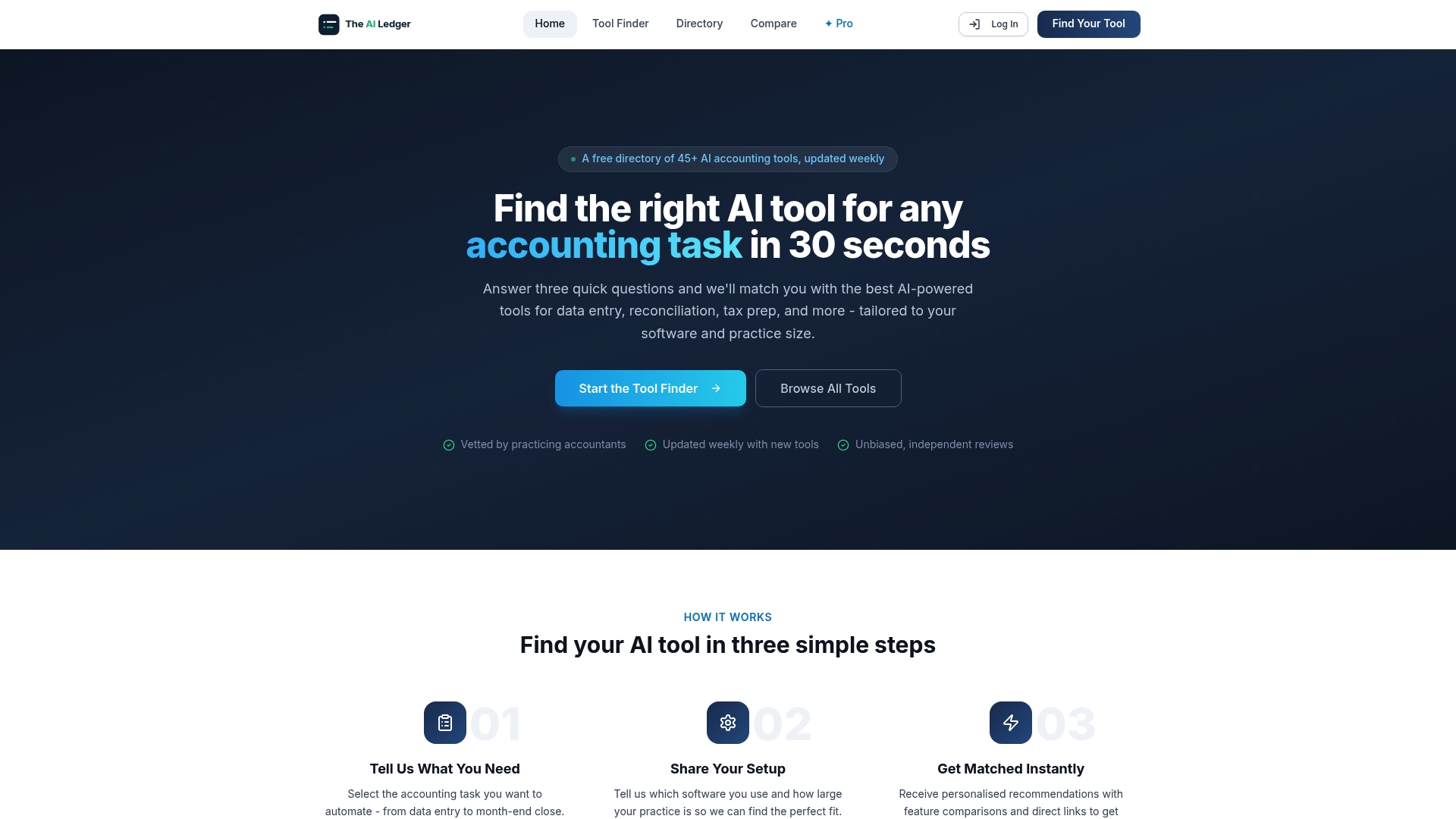
The Ailedger Finder lets you filter by task type, firm size, and integration requirements, so you can identify the right platform for your specific workflows without spending hours on demos. For professionals who want deeper access to tool evaluations, workflow guides, and weekly updates on automation developments, Ailedger Pro delivers that directly to your inbox. The right tool for your practice is out there. Finding it quickly is the point.
FAQ
What are accounting workflow templates?
Accounting workflow templates are standardised, repeatable process documents that define every task, owner, and deadline in a finance process. They serve as the foundation for both manual checklists and automated workflows.
How long does it take to implement accounting workflow templates?
Spreadsheet-based templates take 15–20 minutes to build. Automation platforms using pre-built templates reduce full deployment to 5–10 business days for firms managing 25–150 clients.
What is the most common reason workflow templates fail?
Templates fail most often because the underlying process was not documented or cleaned up before automation was applied. Automating a broken process produces errors at scale.
Do I need automation software to use workflow templates?
No. Spreadsheet templates work well for low-volume, single-user workflows. Automation platforms become necessary when workflows span multiple staff members, clients, or systems.
How do I handle exceptions in accounting workflow templates?
Define exception rules for every foreseeable failure point, such as missing documents, unmatched transactions, or late client responses. Each exception should specify who is notified, what the fallback task is, and when to escalate.